
What is a Text-to-Image Model?
Reading time: approximately 5 minutes
Welcome to the first part of the course on AI image creation! Here we lay the foundation for understanding the fascinating technology that allows us to create images directly from text. The goal is to demystify the process and give you a simple explanatory model you can use.
What You Will Learn
- The fundamental principle behind text-to-image AI (diffusion models).
- What a "prompt" is and why it is the key to everything.
- The difference between "googling an image" and "creating an image with AI".
The Basics
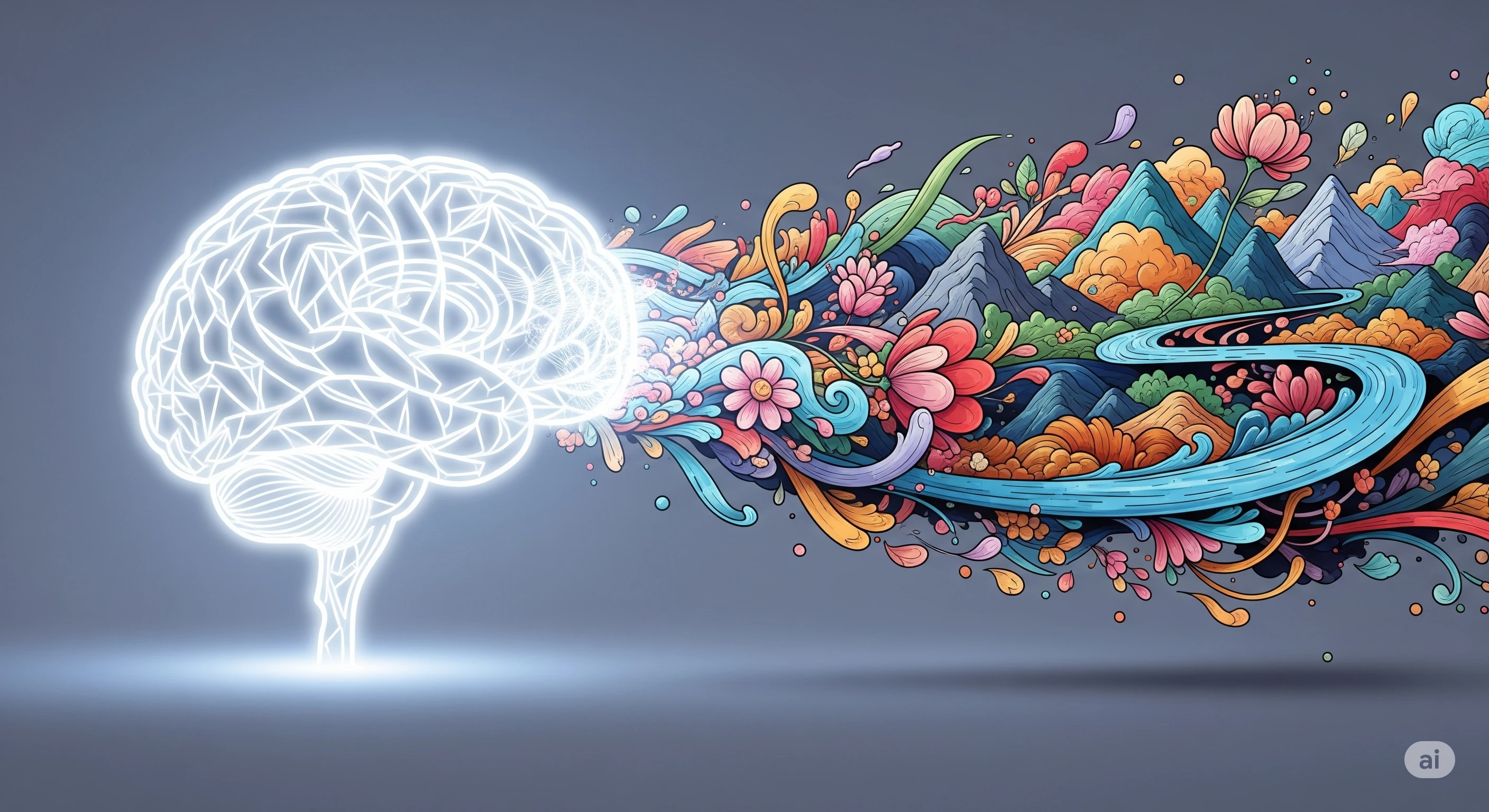
A text-to-image model is a type of AI that has been trained on billions of images and their associated text descriptions. It has learned to connect words (like "dog", "blue", "running") with visual concepts.
The most common technique is called diffusion models. Imagine the process in reverse:
- The Start: The model begins with an image consisting only of random noise (like static on an old TV).
- Guidance: Your text description, your "prompt", functions as a guide.
- The Process: In multiple steps, the AI "cleans away" the noise and shapes the image so that it gradually matches your description. It constantly asks itself: "Does this resemble 'a happy dog playing in a park'?" and adjusts the image until it does.
The important thing to understand is that the AI does not "find" a finished image on the internet. It creates a completely new image from scratch, based on its learned understanding of your words.
Practical Examples
| Task | Traditional Method (Google Image Search) | AI Method (Text-to-Image) |
|---|---|---|
| Find an image of a cat | You search "cat". You get thousands of existing photos of cats. | You write the prompt: "a cat". The AI creates a completely new, unique image of a cat that has never existed before. |
| Need a specific image | You search "astronaut riding a horse on the moon". You likely find nothing, or an image that someone else has already created. | You write the prompt: "an astronaut riding a horse on the moon, photorealistic style". The AI creates this specific, unlikely scene for you. |
Reflection Exercise
To experience the difference yourself:
- Search for a very specific image on Google, for example "a medieval knight reading a book in a library by a window". Note what results you get.
- Then use an AI image generator with exactly the same phrase as a prompt.
- Compare the result from the AI with the image search. Did you get a more suitable image for your purpose (for example, for a presentation about the Middle Ages)? This illustrates the AI's ability to create customized material.
Next Steps
Now that you understand the fundamental principle, it is time to learn the craft. In the next moment, "The Basics of Prompting", we dive into how to write effective text commands to get the AI to create what you actually want to see.