
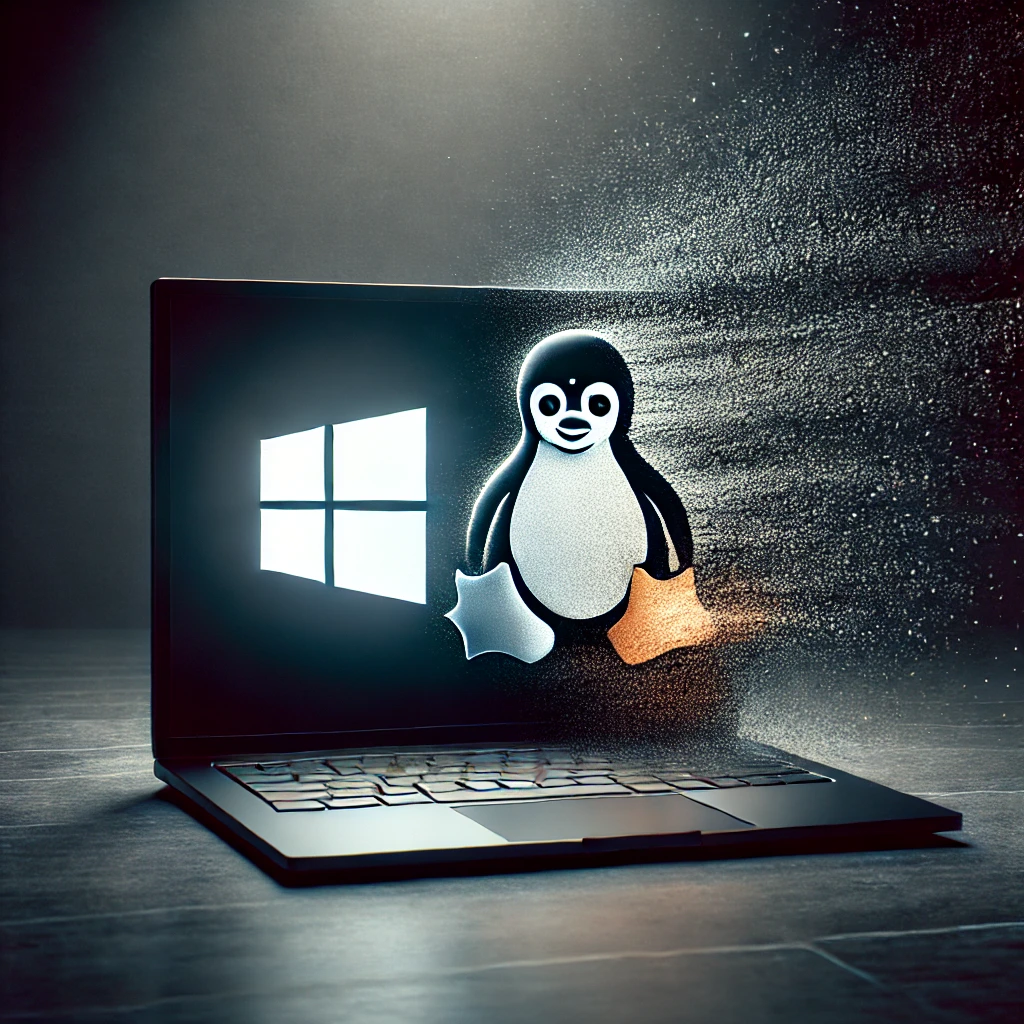
Why Ubuntu in Schools? Benefits and Opportunities
Reading time: about 5 min
Welcome to the course that guides you from Windows to Ubuntu! You are probably used to working in Windows, an operating system that most of us have used for years. But what if there is an alternative that is free, more secure, and can give both you and your students a deeper understanding of how technology works? In this first lesson we explore why Ubuntu, a version of the Linux operating system, is a fantastic alternative for schools and how it can free up resources and create new educational opportunities.
What You Will Learn
After this lesson you will understand:
- What Ubuntu and Linux are.
- The four main advantages of using Ubuntu in a school environment: economy, security, openness, and adaptability.
- How Ubuntu can be used practically to strengthen students' digital competence according to the curriculum.
- Concrete examples of how Ubuntu can look in your school activities.
The Basics: What is Ubuntu?
Think of an operating system like the engine in a car, it makes everything else work. Most people know Windows (from Microsoft) and macOS (from Apple). Linux is a third, very powerful alternative. The big difference is that Linux is built on free and open source code. This means the code is available for everyone to see, review, use, and improve.
Ubuntu is the most popular and user-friendly version (a so-called "distribution") of Linux. The goal with Ubuntu has always been to make Linux accessible and simple for everyone, not just for technical experts. It has a modern, graphical interface that in many ways resembles what you are used to, but with some unique advantages under the surface.
Practical Benefits: Four Strong Arguments for Ubuntu in the Classroom
1. Economically Smart: More Resources for Education
The most obvious advantage is the cost. Ubuntu is, and will always be, completely free to download, install, and use.
- No license costs: Schools do not need to pay thousands for operating system licenses for their computers. That money can instead go to teaching materials, training, or other educational investments.
- Give old computers new life: Ubuntu is often less demanding than the latest versions of Windows. This means that older computers that have become too slow can get new life with Ubuntu and continue to be used for several more years.
2. Secure from the Ground Up: Less Time on Problems
Ubuntu and Linux architecture is built with security in mind.
- Fewer viruses: The majority of all malicious programs and viruses are created for Windows. As an Ubuntu user, you are a much smaller target, which reduces the risk of attacks and data breaches.
- Stable system: The system is known for its stability. This means fewer crashes, less trouble, and more time for teaching instead of IT support.
3. Open Source: Digital Competence in Practice
This is perhaps the most important educational advantage. The curriculum emphasizes that students should understand how digital technology works and be able to use it responsibly.
- Transparency: Using open source is an excellent way to discuss what a program really is. Instead of a "black box," you can talk about how the code is open, reviewed by a global community, and that no single actor has total control.
- Democratization of technology: It shows students that they do not just need to be consumers of technology, but can also become creators. The world of open source encourages participation and collaboration.
4. Enormous Adaptability: A System for Everyone
Ubuntu can be tailored for almost any need.
- For beginners: You can create a very streamlined and simple interface for the youngest students, where only the most necessary programs are visible.
- For programmers: For students in technology or programming courses, Ubuntu offers a powerful development environment used by professionals worldwide.
- For everyone else: The system can be customized with different appearances, functions, and tools to suit each teacher's and student's unique workflow.
Implementation in the Classroom: What Can It Look Like?
- Scenario 1: The Computer Lab. The entire computer lab runs Ubuntu. Students have access to free, powerful software for image editing (GIMP), video editing (Kdenlive), programming, and office work (LibreOffice) without expensive licenses.
- Scenario 2: Theme Day on Source Criticism and Technology. You use Ubuntu to show students the difference between open and closed source. They get to see how the system is built and discuss the pros and cons of different business models for software.
- Scenario 3: The Recycling Project. The IT department or technology course collects older laptops, installs a lightweight version of Ubuntu, and donates them to students who lack their own computer at home.
Next Steps
Now that you have a clear picture of why Ubuntu is such an exciting and powerful alternative for schools, it is time to take the next step. In the next lesson, Installation Step by Step, we go through exactly how you install Ubuntu on a computer. We promise it is easier than you think!