
Midjourney Launches V1: From AI Image to Video
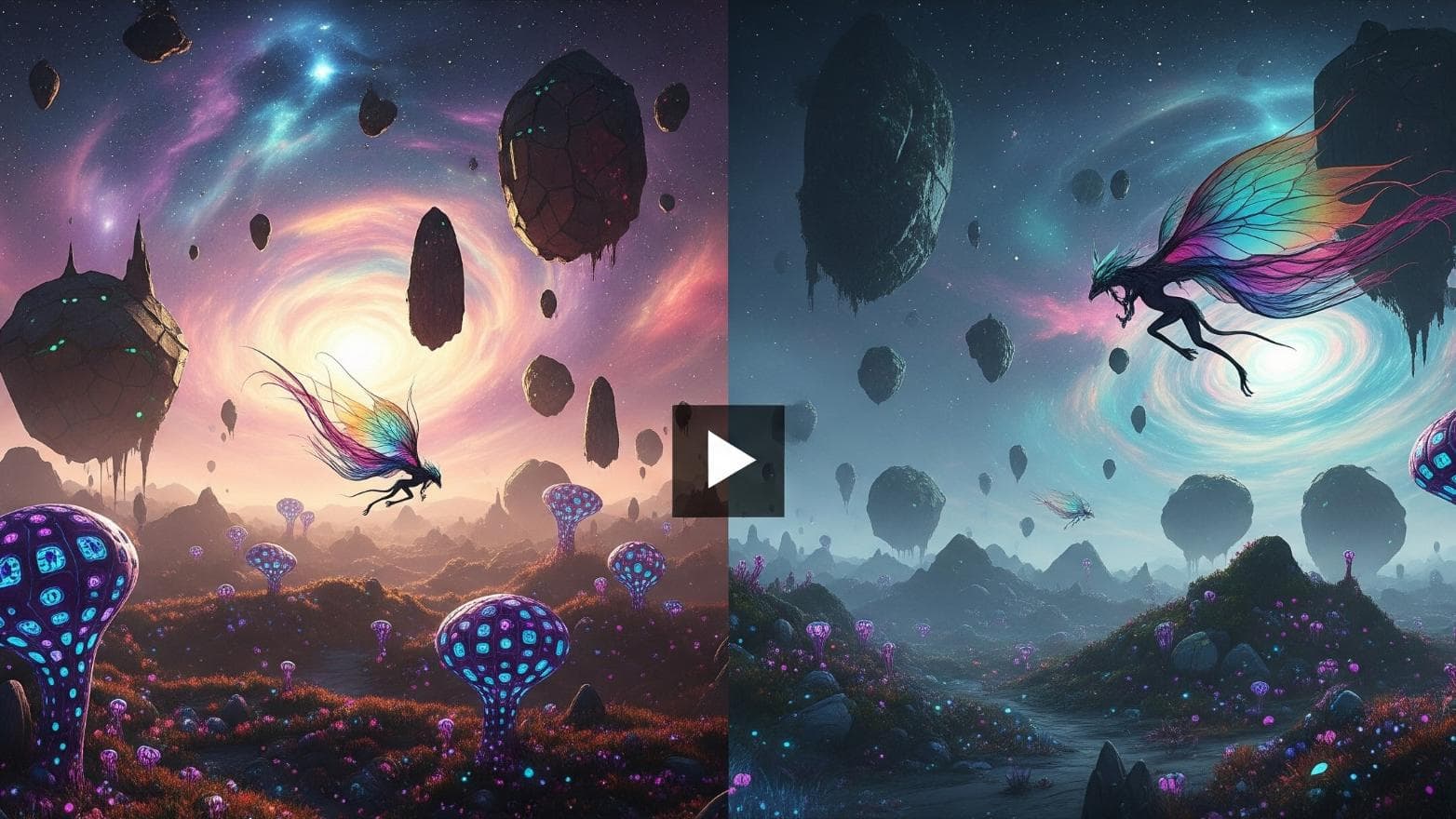
Midjourney, one of the most prominent players in AI-generated images, has now launched its first model for creating video, called V1. This new tool allows users to transform images they have created on the platform into short video clips.
How Does Midjourney Video Work?
The first version of the tool focuses on animating existing images generated with Midjourney. The process is intended to be simple and accessible to a broad audience.
Key Features in V1:
- Image-to-Video: The core function is to bring static AI images to life.
- Easy to Use: The model is designed to be intuitive, even for beginners.
- Stylistic Consistency: The video clips retain the artistic and often dreamy style that Midjourney is known for.
- Availability: The tool is being rolled out to all Midjourney users via their web interface.
Pedagogical Opportunities in the Classroom
Although the tool is new, there are several exciting application areas for teachers and students:
- Visual Storytelling: Students can create an image of a character or a setting and then animate it to illustrate a story they have written in Language Arts or English.
- Historical Events: Create an image of a historical event and add subtle movement to make it more vivid, such as waving flags on a battlefield or steam from a locomotive.
- Scientific Processes: Visualize and animate simple biological or chemical processes, like a cell dividing or molecules moving.
- Art and Design: Art students can explore how movement and animation can enhance their artistic expression.
How to Get Started?
- Create an Image: Start by generating a high-quality image in Midjourney using a standard text prompt.
- Use the Video Function: In Midjourney's web interface, select the image you want to animate.
- Add a Motion Prompt (Optional): You can give a simple instruction on what type of movement you want, or let the AI interpret the image and add a suitable, subtle animation.
- Generate the Video: The system then creates a short video clip based on the image and instructions.
Limitations and Future
V1 is a first step. The video clips are short, and the movements are often subtle. Competitors like OpenAI's Sora and Google's Veo aim to create longer and more complex scenes directly from text. Midjourney's strategy seems to be starting simple and building on their strength: high-quality artistic aesthetics.
Conclusion
Midjourney's entry into the video arena makes the technology more accessible. For schools, this opens new, creative avenues to visualize and communicate ideas. Even if the technology is in its infancy, it gives an exciting preview of how AI-generated video can become a powerful pedagogical tool to increase engagement and understanding in the classroom.
How would you like to use AI video in your teaching? Share your thoughts!