
At a Glance
The Meta AI app features a function where the user's chat with the AI is published in the open "Discover feed" without clear privacy warnings. Many users have shared sensitive information—medical, legal, and personal details—without realizing that the conversations become public (9to5mac.com, wired.com).
The Meta AI App's Function and Problem
Public Conversations Without Clear Signals
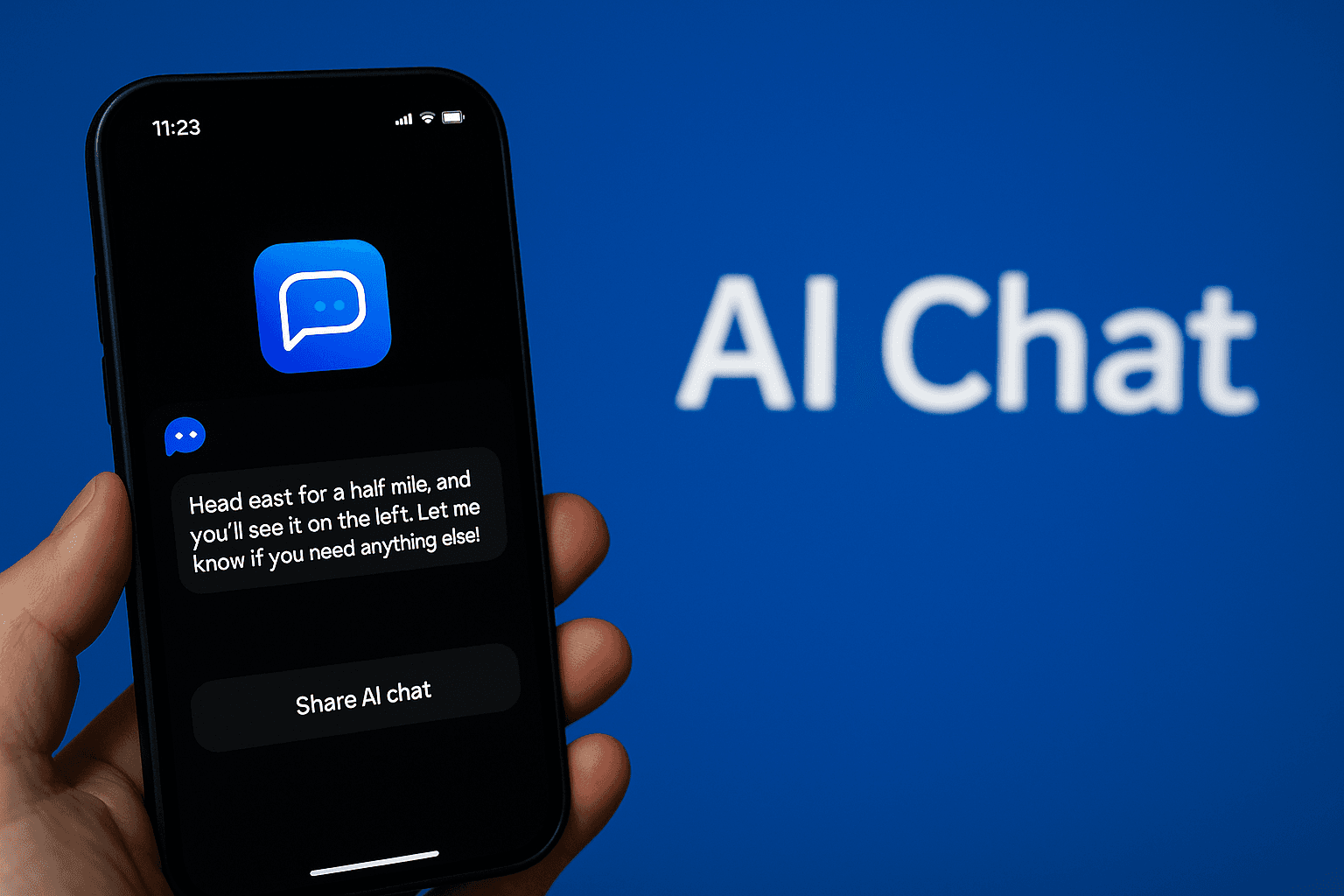
When asking Meta AI a question, one can click a "share button." This leads to a view that appears to be a standard post, but what many do not realize is that the content appears publicly for all users (techcrunch.com).
Sensitive Content Being Spread
Journalists have found examples of:
- Advice on tax evasion and legal issues linked to names.
- Medical questions and address details.
- Conversations about lawsuits and secret pregnancies.
It has even been commented that this feels like "your browser history has always been public" (tomsguide.com, 9to5mac.com).
Lack of User Control
The app lacks clear guidance on what "share" implies. Furthermore, published conversations are often linked to the user's Instagram or Facebook profile, meaning people's identities can be tied directly to sensitive content.
Meta Responds: Improved Warnings but Clear Privacy Risk Remains
After pressure from the media, Meta has introduced an extra warning before sharing. The user must confirm their intention to publish, and reports state that a segment of the feed is now dominated by AI images rather than text and audio (businessinsider.com). However, critics point out:
- The apparatus is still designed to enable public publishing of private dialogue.
- Unclear default settings and weak user guidance remain (businessinsider.com, tomsguide.com).
Context: AI and Privacy in Schools
The education sector is particularly vulnerable regarding sensitive data. Similar AI features may be used in teaching contexts, but the risks are clear:
- Students may share personal problems on school platforms.
- Teacher messages may contain student data and sensitive information.
- Unforeseen publishing can infringe on students' right to privacy.
Practical Applications, with Privacy in Focus
Benefits of AI Tools:
- Quick image explanations, language tools, and research assistants.
- Automated text review and feedback.
Risks:
- Risk of accidental sharing of student data or sensitive issues.
- Teachers, students, and parents must be clearly informed about the scope and limits.
Practical Tips for Teachers
- Always test AI tools from a privacy perspective: Use separate school/private accounts.
- Review settings before implementation: Turn off features that automatically share or link accounts.
- Inform students and guardians: Communicate clearly how tools work and what risks exist.
- Introduce confidentiality routines: For example: "no sharing of medical questions" on school platforms.
- Stay updated on AI tool developments: Privacy updates and new features can affect how secure they are.
Given the design of Meta AI apps and the lack of warning mechanisms, we see a need for schools to evaluate the use of similar technologies extra carefully. Raising awareness and creating clear routines for how AI-based tools are used is crucial to avoid unwanted privacy intrusions.